







How to Create a Relaxing Home Workspace
A home workspace should help you feel focused without making you feel tense. Whether you work from home full time, study in the evenings, or need a quiet place for personal projects, a few thoughtful changes can make the space more comfortable and inviting.
A relaxing workspace does not need expensive furniture or a large room. The goal is to create an area that supports your daily tasks while reducing visual clutter and unnecessary distractions. Start with the basics: choose a suitable location, improve comfort, use calming colors, and keep the space easy to maintain.
Choose the Right Location
The best workspace location depends on your home, schedule, and personal preferences. If possible, select an area with enough room for your desk, chair, storage, and movement.
A dedicated room is useful, but it is not essential. You can create a pleasant workspace in:
- A quiet corner of a bedroom
- A section of the living room
- A wide hallway or landing
- A dining area that can be cleared at the end of the day
- A small nook near a window
Consider how much noise and activity the area receives. A busy kitchen may be convenient, but it can make concentration difficult. If you share your home with others, a corner away from the main walkway may provide more privacy.
Natural light is another important factor. A window can make the room feel brighter and more open. Place your desk so light comes from the side rather than directly behind your screen. This can help limit glare and make the workspace more comfortable throughout the day.
Select Comfortable, Supportive Furniture
Furniture has a major effect on how relaxed your workspace feels. Begin with a desk that provides enough surface area for your most common tasks. You should have room for your computer, notebook, water bottle, and any other frequently used items without feeling crowded.
A comfortable chair is equally important. Look for a chair that supports your back and allows your feet to rest flat on the floor. Your shoulders should feel relaxed, and your screen should be positioned so you do not need to bend your neck for long periods.
If your desk and chair are not the same height, simple adjustments can help. Try a footrest, a firm cushion, or a monitor stand. You can also raise a laptop with a stable stand and use a separate keyboard and mouse.
Keep frequently used items within easy reach. This reduces repeated stretching and helps the area feel more organized. At the same time, avoid filling the desk with items you rarely use.
Use Lighting to Create a Calm Atmosphere
Lighting can influence the mood of a room and the ease of everyday tasks. A relaxing workspace usually benefits from several light sources rather than one bright overhead fixture.
Use a combination of:
- Natural light during the day
- A desk lamp for focused tasks
- Soft ambient lighting in the evening
Choose a desk lamp with an adjustable head so you can direct light where it is needed. A lamp with a warm or neutral tone can make the space feel more comfortable, while a brighter setting may be useful for reading or detailed work.
Avoid placing a bright light directly behind your computer screen or in a position that creates reflections. If the room feels harsh at night, add a small floor lamp, table lamp, or wall light to create a softer background glow.
Keep Colors Simple and Soothing
Color is an easy way to change the feeling of a workspace. Soft, neutral shades such as warm white, beige, pale gray, or light blue can create a calm backdrop. Natural greens and muted earth tones may also make the area feel welcoming.
You do not need to repaint the entire room. Add color through smaller items, such as:
- A desk mat
- Wall art
- Curtains or blinds
- Storage boxes
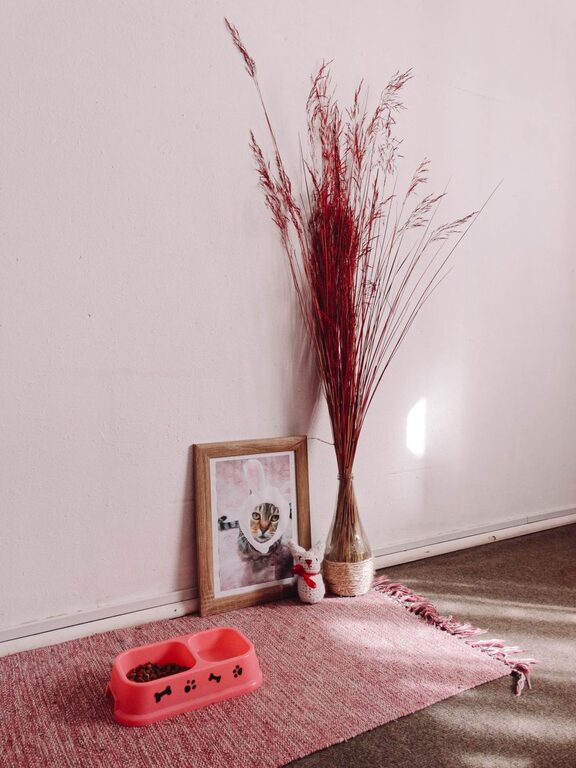
- A small rug
- A comfortable throw
Try to limit the number of competing colors. A simple palette can make the space feel less busy and make it easier to coordinate new items later.
Reduce Visual Clutter
A cluttered desk can make it harder to settle into a task. It can also make a small room feel crowded. Start by removing anything that does not belong in the workspace. Then group the remaining items by how often you use them.
Keep daily essentials on the desk or in a nearby drawer. Store occasional items in labeled containers. Cables can be gathered with reusable ties or placed in a cable box to create a cleaner appearance.
Useful storage options include:
- Desk drawers for small supplies
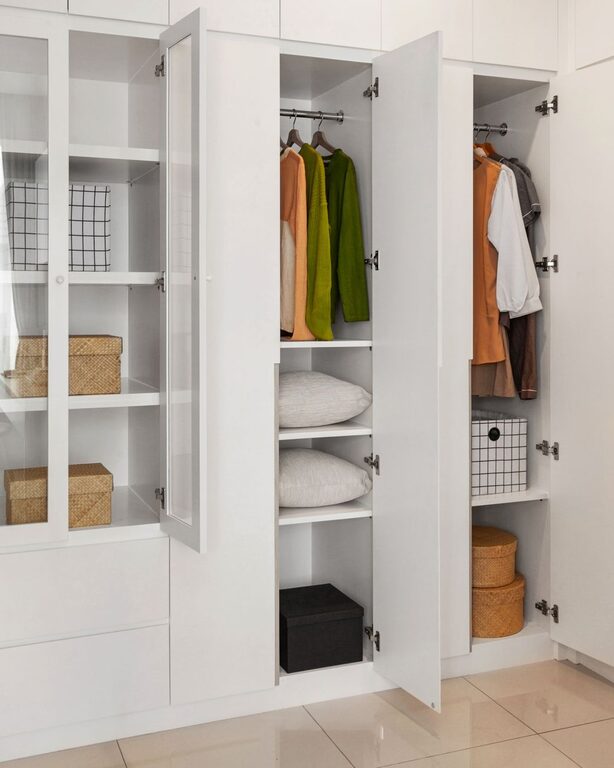
- Vertical shelves for books and folders
- Wall organizers for notes and accessories
- Decorative baskets for larger items
- Small trays for pens, chargers, and other essentials
Leave some open space on the desk. Empty areas provide a visual break and give you room to work comfortably.
Add Natural Elements
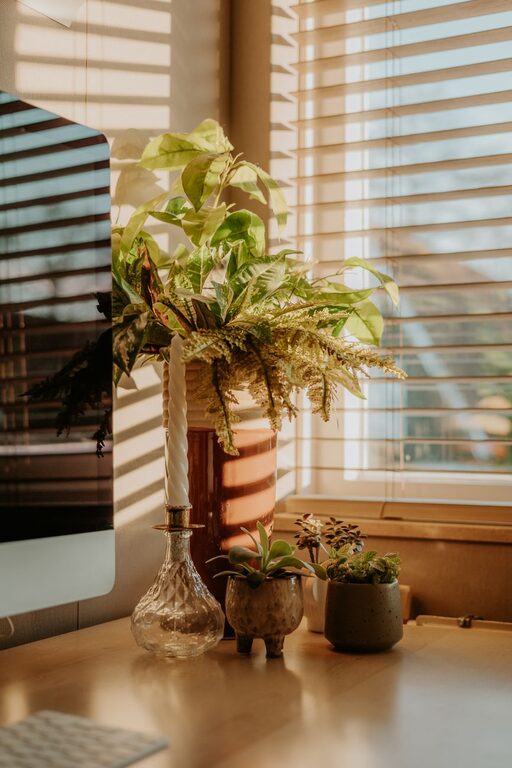
Natural materials and simple plants can make a workspace feel warmer. A small houseplant, vase of flowers, or bowl of natural materials can add interest without creating clutter.
If you prefer low-maintenance options, consider a small succulent, an artificial plant, or a simple wooden accessory. Bamboo, cork, cotton, and woven materials can also soften the look of a workspace.
Keep decorative elements limited to a few meaningful pieces. A favorite print, framed photograph, or handmade object can make the space feel personal while keeping the overall design calm.
Create Healthy Boundaries
One of the challenges of working at home is separating work time from personal time. A workspace can feel more relaxing when it has clear boundaries.
If you use a shared room, define the area with a rug, shelf, folding screen, or different wall color. At the end of the day, close your laptop, place supplies in their storage area, and clear the main work surface.
A simple end-of-day routine may include:
- Save and close your work.
- Return supplies to their usual places.
- Sort any papers that need attention later.
- Wipe the desk if needed.
- Turn off task lighting and leave the area.
These small actions signal that the workday is finished and help the room feel like part of your home again.
Use Sound and Scent Carefully
Sound can affect the atmosphere of a workspace. If your home is noisy, soft background sounds may help mask sudden distractions. Consider quiet music, nature sounds, or a fan if these options help you concentrate.
Some people also enjoy a subtle scent from fresh flowers, a mild room spray, or an unscented candle. Keep scents light and avoid using anything that becomes distracting. The most relaxing choice is the one that feels comfortable to you.
Make the Space Your Own
A relaxing workspace should reflect your habits and preferences. Think about what helps you feel settled before starting a task. You might enjoy a small reading lamp, a comfortable cushion, a favorite mug, or a short list of daily priorities.
Avoid copying a design simply because it looks attractive online. Choose furniture and accessories that fit your routine, available space, and maintenance preferences. A workspace that is easy to use and easy to tidy will usually feel more relaxing over time.
Build a Simple Maintenance Routine
The easiest way to keep a workspace peaceful is to maintain it regularly. Spend a few minutes at the end of each day returning items to their places. Once a week, review the desk and remove items that have collected unnecessarily.
Every few months, check whether the layout still works for you. You may need to adjust the lighting, move storage, or remove equipment you no longer use.
A relaxing home workspace is created through practical choices rather than perfection. With comfortable furniture, gentle lighting, organized storage, and a few personal touches, even a small corner can become a pleasant place to focus and recharge.